Best Creator Resource Platforms for Lead Capture
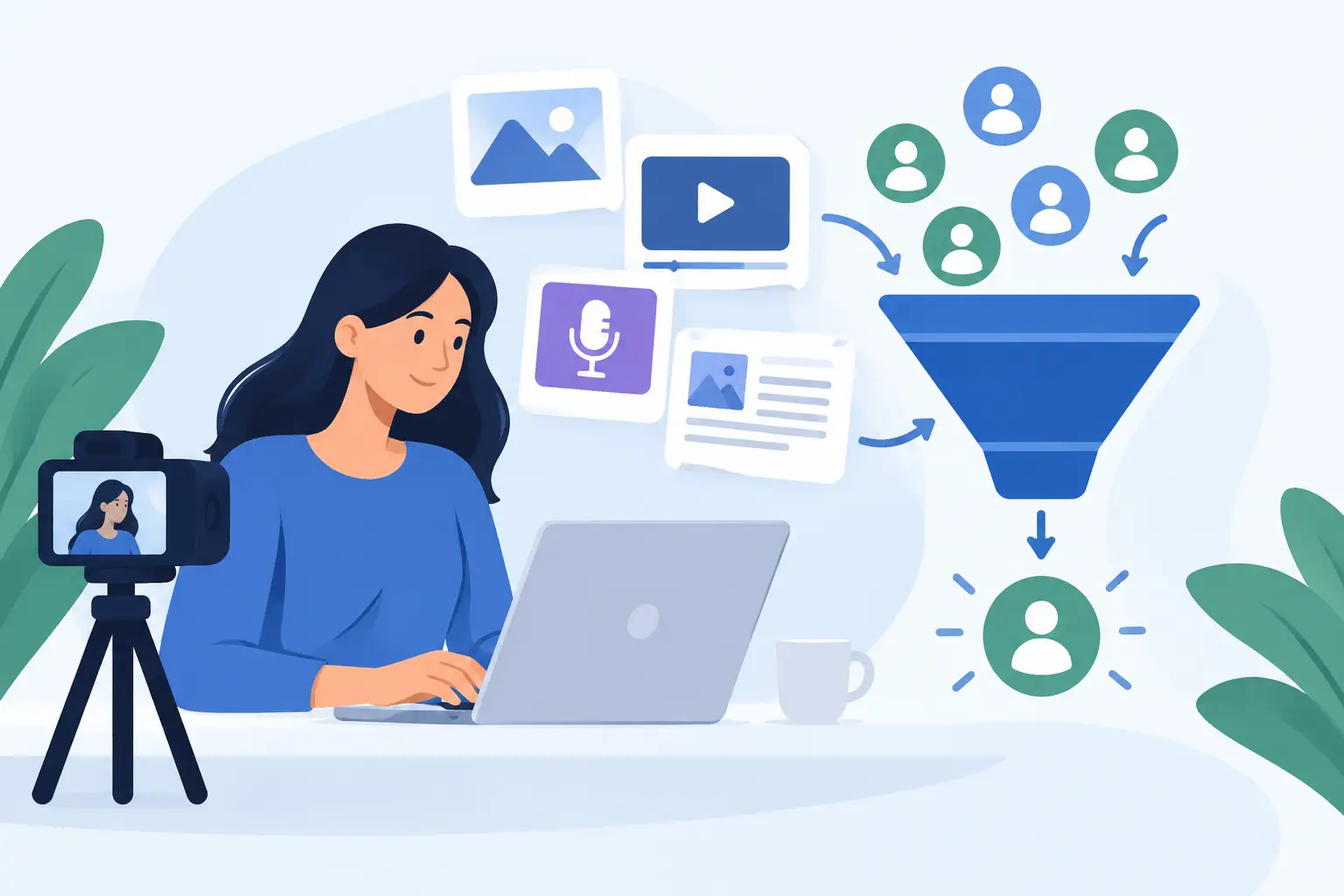
A video gets 20,000 views. A carousel gets saved. A podcast episode earns thoughtful replies. Then the attention disappears because there was nowhere useful to send people.
The best creator resource platforms turn that moment into an email address. They give your audience something worth claiming, then give you a direct way to keep the conversation going. The right tool should make this feel like publishing, not building a funnel.
What a creator resource platform should do
A creator resource platform sits between your content and your email list. You create a useful page, guide, template, collection, or set of supporting materials. Your audience visits the page, enters an email address, and gets access. You keep the contact.
That sounds simple. It often is not.
Many tools split the work across a landing page builder, an opt-in form, a file host, an email service, and an automation tool. Each piece may be good on its own. Together, they turn a two-minute publishing decision into a setup project.
For most independent creators and lean teams, a resource platform should handle four jobs:
- Present the resource clearly enough that people understand its value fast.
- Collect email addresses without making visitors jump through extra steps.
- Deliver the resource or supporting materials without manual follow-up.
- Keep leads organized and available for export.
Everything beyond that should earn its place. Advanced segmentation, branching automations, custom scripts, and complex conversion reporting can help at scale. They can also stop a useful resource from being published at all.
The best creator resource platforms match the job
There is no single winner for every creator. The best choice depends on what you publish, how your audience finds you, and how much operational overhead you are willing to accept.
Full website and landing page builders
A website builder makes sense when your resource page needs to live inside a broader site experience. You may want custom navigation, multiple product pages, a blog, case studies, and detailed control over layout.
The trade-off is speed. A simple lead magnet can become a design exercise. You may also need separate tools for email capture, delivery, and contact management. This route works well for a brand with an established web presence and someone responsible for maintaining it.
It is usually too much for a creator who wants to publish a checklist below a YouTube video before lunch.
Email marketing platforms with forms and automations
Email platforms are a strong choice when email is already your operating center. They can collect subscribers, tag them, send delivery emails, and start nurture sequences from one system.
The problem is that their forms and pages are often built around email operations, not resource publishing. Creating an attractive, focused page can require more setup than expected. You may also pay for features you do not use if your immediate goal is simply turning content attention into leads.
Choose this category when automated follow-up is central to your business. Skip it as your first move if you are still proving which resources your audience wants.
Course and community platforms
If your resource is a full lesson library, paid program, member archive, or cohort experience, a course or community platform is the right container. It can manage access, progression, payments, and member discussion.
But a resource page is not always a course. Requiring people to create an account, enter a portal, or navigate a dashboard can create friction for a one-page guide or a bundle of templates. Use a heavier platform when the learning experience requires it, not because the resource has more than one file.
Purpose-built resource and lead capture tools
This category is built for a narrower job: create a resource page, publish it, share the link, and collect leads. That focus is valuable when your distribution happens on social posts, video descriptions, podcast show notes, direct messages, or a link in bio.
A purpose-built tool is often the best fit for creators who publish frequently. You do not need to rebuild a campaign each time you make a new resource. You need a clean page and a shareable link.
The limitation is intentional. You may not get a full site builder, sophisticated automations, or a complete customer relationship system. For many creators, that is not a missing feature. It is less work.
How to choose a platform without overbuying
Start with the resource, not the software. Ask what a person receives after sharing their email address. A swipe file, reading list, worksheet, template pack, and mini-guide each have different presentation needs. But they all need a clear promise.
Then look at your distribution. If most people find you through short-form video, the page needs to load cleanly from a mobile link. If you teach through long-form content, the resource should connect directly to the lesson someone just watched or read. If you work with clients, a practical toolkit can qualify leads better than a broad free ebook.
Next, evaluate the workflow. A useful test is this: can you go from an idea to a published resource page in one sitting? If the answer requires copying embed code, designing several pages, wiring delivery emails, and checking integrations, the system may be working against your publishing cadence.
Finally, decide what you need after capture. Some creators need every lead sent into an automated email sequence immediately. Others need a reliable lead list they can export, organize, and use in the tool they already prefer. Neither approach is wrong. The mistake is adopting enterprise-grade machinery for a simple list-building habit.
Use the write, publish, collect workflow
The practical value of a resource platform comes from repetition. You should be able to turn every strong piece of content into a path toward your owned audience.
Write
Make the resource specific. Do not offer a generic guide when you can offer the exact template, checklist, or source list that solves the next problem for your audience.
A consultant discussing client onboarding can offer an onboarding agenda. A fitness coach can offer a weekly meal-planning sheet. A newsletter operator can offer a curated research pack behind a timely edition. The best resource extends the content. It does not repeat it.
Give the page a strong cover, a direct title, and a short explanation of what people will get. Add supporting materials when they make the resource more useful. Avoid turning the page into a sales letter.
Publish
Publish the moment the resource is ready. The value is in distribution, not perfection.
Place the link where attention already exists: under a video, in a social bio, in a pinned comment, at the end of a newsletter, or in follow-up messages after a live session. A resource that is buried on your website will not build your list. A link attached to relevant content can work for months.
This is where a focused platform earns its keep. Sublead.io follows the simple model: create a resource page, publish one link, and use it wherever your content already travels.
Collect
Review which resources bring in leads, but do not obsess over vanity metrics. A smaller resource that attracts the right subscribers can be more valuable than a broad giveaway with weak intent.
Keep your contacts accessible. Export them when needed, add them to your email workflow, and follow up with something relevant. If someone downloaded a proposal template, they probably do not need your general welcome message first. They need useful next guidance on proposals, pricing, or client work.
Avoid the platform trap
The best creator resource platform is not the one with the longest feature list. It is the one you will use every time you publish something worth saving.
Start with one resource connected to one high-performing piece of content. Put it in front of real people. Collect the emails. Then make the next resource better.