How to Create Resource Hubs That Collect Leads
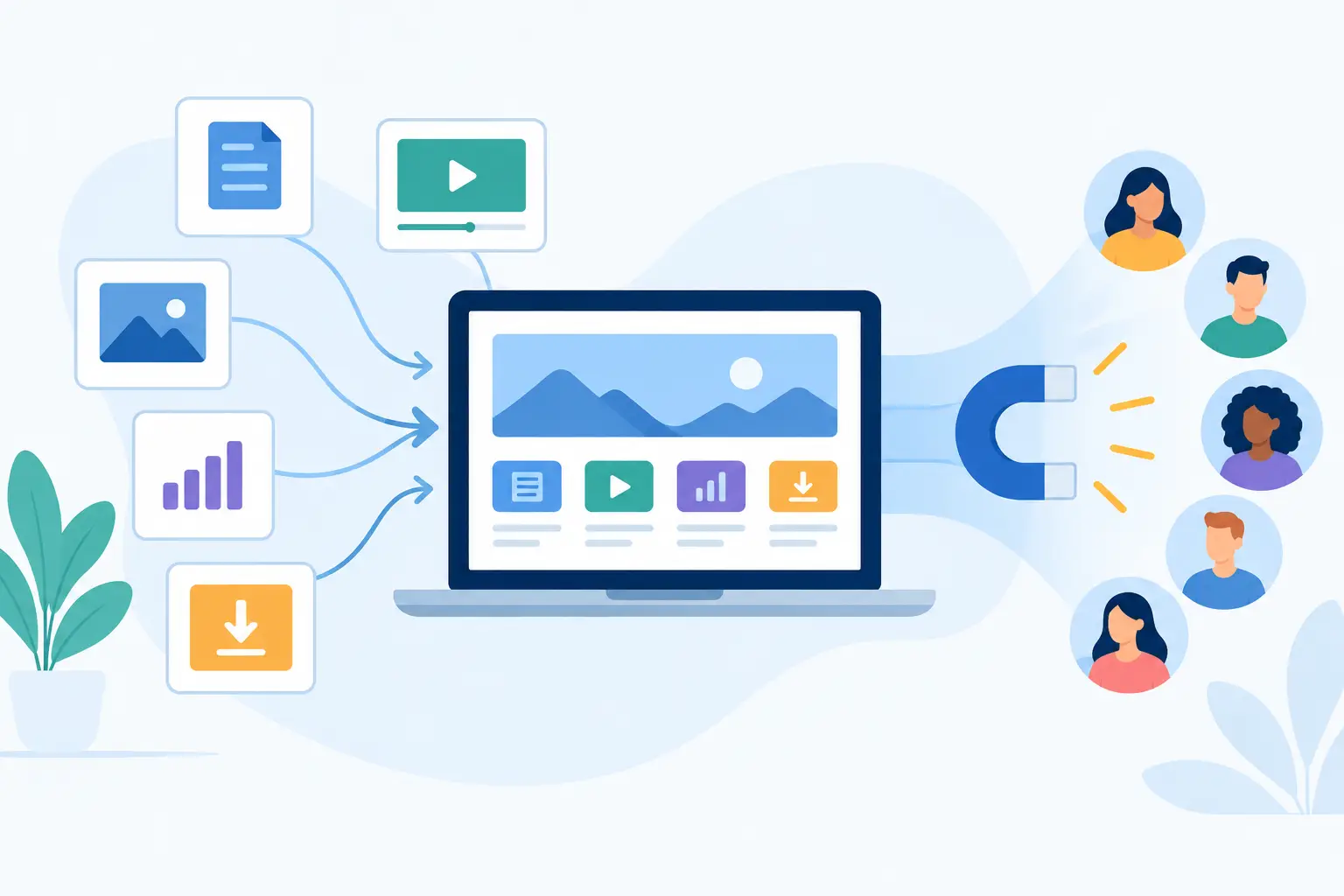
Most creators already have the raw material for a lead magnet. It is sitting in old posts, video notes, client explanations, templates, saved links, and repeat questions. The work is not creating more content. It is organizing the useful parts into one page people want to save.
Knowing how to create resource hubs gives your best content a job beyond getting views. A focused page can help someone solve a specific problem, show the depth of your work, and turn passing attention into an email address you own.
A resource hub is not a giant library. It is not a polished course. It is a useful destination with a clear promise. Build it around one audience need, make the next step obvious, and share it wherever people already find your work.
Start with a problem, not a pile of links
The fastest way to make a weak resource hub is to collect everything you have ever published. That creates choice overload. Visitors scan, hesitate, and leave with no clear reason to sign up.
Start with one problem your audience wants handled now. A career coach might create a hub for preparing for a salary negotiation. A freelance designer might make one for onboarding better clients. A newsletter writer covering personal finance might publish a starter kit for building an emergency fund.
Specific beats broad. “Resources for freelancers” is a category. “The first-week freelance client onboarding kit” is a promise.
Write that promise before you choose a single resource. It should answer three questions in one or two sentences: who is this for, what outcome will it help create, and why is this collection more useful than a search result? If the answer is vague, narrow the topic.
A good test is simple: could a visitor describe the page to a friend without calling it “a bunch of stuff”? If not, the hub needs a stronger point of view.
How to create resource hubs people actually use
Build the page in the order a visitor needs it. They need context first, then a path, then supporting materials. Do not make them hunt for the starting point.
Open with a short introduction. Name the problem and the result. Explain what is inside without writing a long sales pitch. One strong paragraph is often enough.
Then organize resources by the job they do. For example, a hub for new consultants could move from positioning to outreach to client delivery. A creator resource hub could move from idea generation to production to distribution. The structure should feel like progress, not storage.
Each item needs a reason to exist. Add a short note under a guide, template, video, or tool explaining when to use it and what it helps with. “Download this template” tells people very little. “Use this before your first discovery call to define scope and avoid vague project requests” gives the asset a purpose.
Keep the collection edited. Ten excellent resources are more useful than 40 decent ones. If two pieces teach the same lesson, choose the clearer one. If an item requires too much background, move it to a separate hub or add a brief setup note.
A simple resource hub usually includes these parts:
- A clear title that states the outcome.
- A short introduction for the intended audience.
- A logical set of guides, templates, examples, or videos.
- Brief descriptions that tell visitors what to use and when.
- One clear email opt-in and a direct next step.
The goal is not to prove how much you know. The goal is to reduce the time between a visitor’s question and a useful action.
Make the first action obvious
People do not consume a hub in order. They scan. Give them a clear place to begin.
You can label one item “Start here,” place the most useful template at the top, or frame the hub as a three-part sequence. This matters most when your audience is new to the topic. Experienced visitors may prefer to jump around, but beginners need a path.
Use descriptive labels instead of clever ones. “Client onboarding email templates” is better than “The warm welcome.” Clarity earns the click.
Use a cover that signals value quickly
A cover image should make the resource feel complete and recognizable when it appears in a social post, video description, or bio link. It does not need elaborate design. A readable title, a clean visual, and consistent brand treatment are enough.
Do not let design become the project. If you can publish a useful page this afternoon, publish it. You can improve the visual later after you know people want the resource.
Decide what belongs behind the email gate
Not every resource needs an opt-in. A fully gated hub can create unnecessary friction, especially if a visitor only wants to assess whether your material is useful. But giving everything away with no way to continue the relationship leaves attention on the table.
The right balance depends on the content and the audience’s intent. Give enough value on the page to prove the hub is worth their time. Gate the downloadable version, a template, a checklist, a curated update, or access to the full collection.
For example, a consultant can show the five stages of a project kickoff on the page, then offer the meeting agenda and client questionnaire in exchange for an email address. A YouTube creator can publish the core video publicly and offer the complete equipment checklist as the follow-up resource.
Be direct about what someone gets. Avoid vague lines such as “Join for exclusive value.” Say what will arrive: the templates, the PDF, the full toolkit, or future resources on the same topic. A clear exchange attracts better subscribers than a generic call to action.
Keep the form lightweight. Every extra field asks for more effort and usually lowers completion. For most resource hubs, an email address is enough to begin.
Publish before you build a funnel
A resource hub does not need a complicated marketing stack. You do not need to connect a landing page builder, a form tool, a file delivery service, and several automations before sharing one useful page.
Write the resource page. Add your supporting materials. Publish the link. Then collect the contacts it earns.
That is the practical appeal of a tool such as Sublead.io. It lets you turn a single resource page into a shareable email lead magnet without building delivery plumbing around it. The page does the work: it presents the resource, captures emails, and keeps leads in one place for CSV export when you need it.
This approach is especially useful when you are testing an idea. A complex funnel assumes you already know the topic, offer, and traffic source will work. A simple hub lets you learn first.
If the resource gets consistent sign-ups, you can add a welcome sequence, a related product, or a deeper segment later. If it does not, revise the promise or distribution without having spent days assembling a system.
Share the hub where context already exists
The best promotion is usually attached to content that naturally leads to the resource. Do not post a bare link and hope. Give people a reason to care based on the problem they are already thinking about.
If you publish a video about proposal mistakes, point viewers to the proposal template hub. If a social post shares three onboarding lessons, offer the full onboarding checklist. If a podcast interview touches on a topic you teach, include the related hub in the episode description.
Your strongest distribution placements are often the ones you control and update once: video descriptions, social-media bios, newsletter footers, pinned posts, profile links, and relevant older articles. Match the hub to the channel rather than forcing one generic resource everywhere.
Track where sign-ups come from, but do not obsess over perfect attribution at the beginning. You are looking for useful signals. Which topics earn clicks? Which sources bring subscribers who reply, download, or buy? Which promise gets ignored despite getting plenty of views?
Keep the hub alive without constantly rebuilding it
Resource hubs improve through small edits. After publishing, watch where people stall. If visitors sign up but rarely use the materials, the collection may be too broad or poorly sequenced. If they visit but do not opt in, the page may not make the exchange clear enough.
Update the hub when you create a better asset, retire an outdated recommendation, or notice the same audience question appearing again. You do not need weekly redesigns. One meaningful improvement is better than endless tinkering.
It also helps to create connected hubs over time. A broad audience may enter through a simple starter resource, then choose a more specific hub based on their next problem. Keep each page focused. Let the collection grow through useful branches, not one endless directory.
The resource hub that works best is rarely the one with the most assets. It is the one that gives the right person a clear next move. Pick a problem you can help solve. Put the useful material in order. Publish it while the idea is still fresh.