Instagram Bio Email Capture Link That Converts
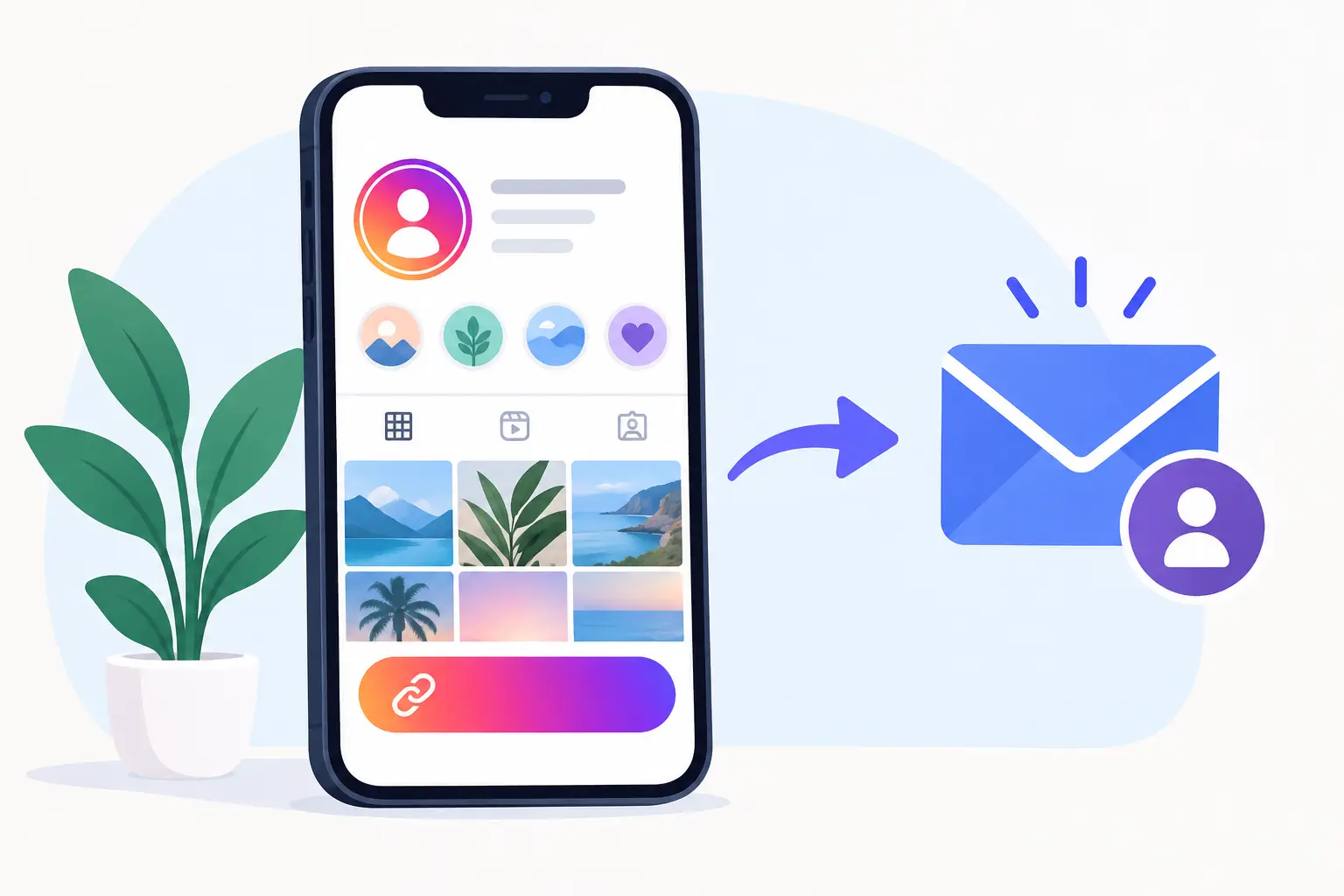
A profile visit is a short window. Someone watched your Reel, liked your carousel, or heard you explain a useful idea. Then they tap your bio. An Instagram bio email capture link gives that moment a job: turn passing attention into an email address you own.
The mistake is treating the bio link as a directory. A page full of destinations makes people decide what to do next. Most will not. A better link offers one clear reason to act now: get the template, guide, checklist, resource list, or supporting material behind the post.
This is not about building a funnel. It is about publishing something useful and making the next step obvious.
What an Instagram Bio Email Capture Link Should Do
Your bio link has one primary purpose: exchange value for permission to follow up. The visitor provides an email address. You provide a resource that helps them make progress.
That resource should connect directly to the content that brought them to your profile. If you post about client onboarding, offer an onboarding checklist. If you teach creators how to plan video content, offer a content planning template. If you share career advice, offer the worksheet that helps someone prepare for a job search.
Specific beats broad. “Free resources” is vague. “Get the 10-minute client discovery call script” tells visitors exactly what they will receive and why it matters.
The link also needs to work on a phone. Instagram traffic is mobile by default. A clean page, a recognizable cover image, a direct headline, and a simple email field are usually enough. Extra navigation, pop-ups, and competing buttons create friction without adding value.
Start With the Resource, Not the Form
An email field alone is not a reason to subscribe. People protect their inboxes. They should.
Start by asking a simpler question: what small, useful asset can you publish this week? It does not need to be a 40-page ebook. In fact, shorter often performs better because the promise is easier to understand and the resource is faster to use.
A strong lead magnet usually does one of three things. It saves time, reduces uncertainty, or gives someone a usable starting point. A swipe file saves time. A decision checklist reduces uncertainty. A template gives the visitor a starting point.
Match the format to your audience and your content. A consultant may publish a project-scoping worksheet. A newsletter operator may share a list of subject-line prompts. A fitness coach may offer a grocery guide. A designer may provide a client feedback template.
Keep the scope tight. “The Complete Social Media Strategy Guide” is a large promise with an unclear outcome. “A 15-post content prompt sheet for B2B consultants” is easy to grasp. It also attracts a more qualified subscriber.
You do not need delivery plumbing to make this work. Write the resource page. Add a cover and supporting materials if they help. Publish it. The page itself becomes the destination behind your bio link.
Write a Clear Offer for the Bio
Your Instagram bio has limited space. Do not spend it explaining your entire business. Use it to frame the outcome and point people toward the resource.
A simple structure works well: who you help, what result you help them get, and what they can grab through the link. For example: “Helping independent consultants sell clearer offers. Get the free proposal outline below.”
The call to action should name the asset whenever possible. “Get the guide” can work when the context is obvious. “Get the free proposal outline” is stronger because it removes the guesswork.
Your content should reinforce the same message. If a Reel teaches three ways to improve discovery calls, end with a direct verbal cue: “I put the full question list in my bio.” If a carousel shares a partial framework, the final slide can point to the expanded worksheet.
This alignment matters. A person who came for pricing advice should not land on a generic newsletter signup. Give them the next useful piece of the same topic.
Build the Page Around One Decision
The best email capture pages are not miniature websites. They answer four questions quickly: What is this? Who is it for? What will I get? What do I need to do?
Lead with a headline that states the outcome. “Plan Your Next 30 Days of Newsletter Content” is better than “Newsletter Resource.” Add one or two short lines that explain who it helps and what is inside.
Use the visual cover to make the resource feel real. A simple image of the checklist, template, or guide helps visitors understand that they are receiving something concrete. Supporting images are useful when they preview a worksheet, framework, or example. They are unnecessary when they only decorate the page.
Then ask for the email address. Keep the form short. Every extra field gives someone another reason to stop. If all you need is an email address, ask for an email address.
Sublead.io fits this workflow because it keeps the work focused on the publishable resource, not on assembling a stack of pages, forms, automations, and file-delivery tools. Write it. Publish it. Collect the contacts in one place.
Place the Link Where Intent Already Exists
Your Instagram bio is the obvious placement, but it should not be the only one. Use the same resource link anywhere people encounter the related idea and want more detail.
Add it to relevant Reel captions, Story link stickers, pinned posts, video descriptions, podcast show notes, and your email signature when the resource supports your current offer. The destination can stay the same. The context around it should change.
Do not push every post toward one lead magnet forever. Rotate your call to action based on what you are publishing. A creator with three clear content themes can maintain three focused resources. Someone discussing client operations can promote an operations checklist. Someone discussing positioning can promote a messaging worksheet.
This does not require a huge library. Start with one resource tied to your most consistent topic. Make it useful. Watch what questions it attracts. Build the second resource from the next repeated question.
Measure More Than Clicks
Clicks tell you whether your call to action is interesting. Email captures tell you whether the offer is strong enough to earn trust. Both matter, but they point to different problems.
If few people click, improve the hook in your post, Story, or bio. Make the promised asset more specific. Put the call to action closer to the useful idea that created interest.
If people click but do not subscribe, inspect the page. The headline may be vague, the asset may not feel valuable enough, or the page may ask for too much. Tighten the promise before adding more design or more copy.
If subscribers join but never respond to later emails, the resource may be attracting the wrong audience. This is why relevance matters more than raw volume. A small list of people who care about your actual work is more valuable than a large list gathered through a generic giveaway.
Export your contacts regularly and keep your list organized. Your email audience should remain portable. You are building a direct line to people who opted in because your work helped them, not renting access to an algorithm.
Avoid the Common Bio Link Mistakes
The first mistake is offering too many choices. A bio page with eight buttons is useful only when visitors already know exactly where they want to go. For new profile visitors, one featured resource usually wins.
The second is making the resource about you instead of the subscriber. “My favorite tools” may work for an established personal brand. “The tool stack for editing short-form video in less time” gives a new visitor a clearer reason to opt in.
The third is hiding the value behind vague language. Replace “Join my community” with the specific result someone receives. You can still invite people into your newsletter after they understand why it is worth joining.
The fourth is waiting until everything is polished. A useful one-page resource published today can collect leads while you improve it. The perfect funnel sitting in a draft cannot.
Make Every Post Do More Work
A good Instagram post can earn reach for a day. A good post connected to a relevant email capture link can keep building an audience you can contact next week, next month, and after the algorithm changes.
Choose one recurring problem your audience wants solved. Turn your best answer into a compact resource. Put the offer behind your bio link. Then mention it whenever your content creates the right kind of curiosity.
Publish useful work. Give people a clear next step. Let the list grow one real subscriber at a time.