What Is Email Gating? A Creator’s Simple Guide
A video gets shared. A post earns saves. A podcast listener wants the template you mentioned. If there is no clear next step, that attention disappears. What is email gating? It is a simple way to exchange access to a useful resource for an email address, so the people who value your work can become contacts you own.
For creators and small teams, that exchange should feel natural. Someone sees your content, asks for the useful thing behind it, enters their email, and gets access. No sprawling funnel. No stack of tools held together with integrations.
What Is Email Gating?
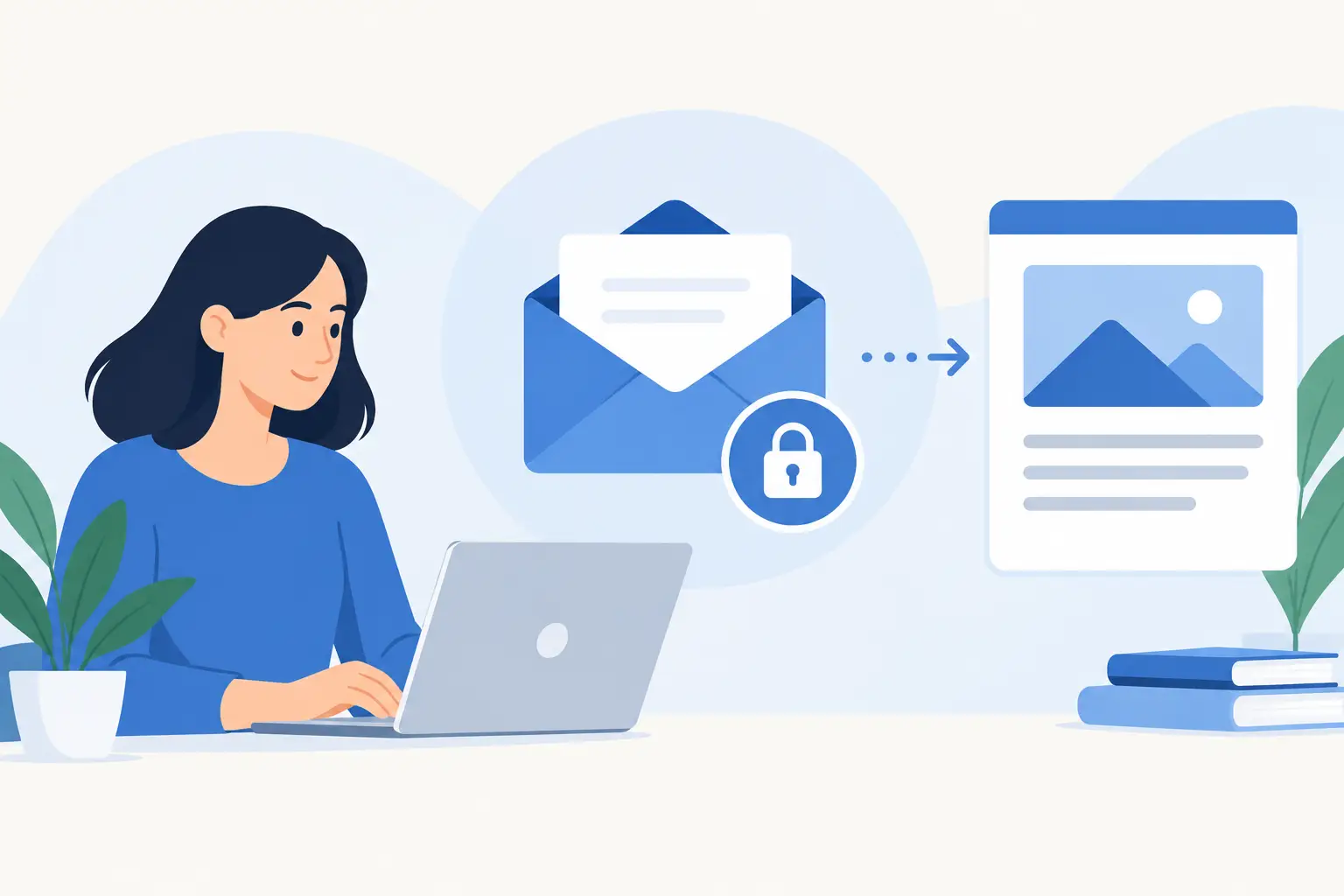
Email gating places an email form in front of a piece of content or a resource. A visitor submits their email address to view, download, or receive it.
The gated item can be a checklist, template, swipe file, mini-guide, worksheet, reading list, resource library, recording, or a carefully organized page of supporting materials. The format matters less than the outcome. It needs to help the visitor do something they already want to do.
The email address is the price of admission. But calling it a price can make the relationship sound more transactional than it should be. Good email gating is a fair exchange: the visitor gives permission to hear from you, and you give them something useful right away.
That is different from hiding basic information behind a form. Your public content should still stand on its own. The gate belongs around the deeper resource, not around the answer your audience came for.
Why Creators Use Email Gates
Platforms distribute reach. They do not give you a dependable way to contact everyone who saw your work. A strong post can reach thousands of people and still leave you with no direct connection to the people most interested in your expertise.
Email gating gives that attention a destination. Instead of ending a video description with “follow for more,” you can offer the exact worksheet, examples, or links that make the video more useful. Instead of placing a generic newsletter form in your bio, you can give people a reason to subscribe now.
The result is not just a larger list. It is a more relevant one. People who request a resource about pricing are signaling an interest in pricing. People who download a curriculum planner are telling you what kind of work they do. That context makes future emails more useful and less random.
There is a trade-off. A gate creates friction. Some people will leave rather than enter an email address. That is fine when the resource has real value and your goal is to build a relationship. It is less useful when your main goal is broad reach, fast sharing, or helping someone complete a simple task without interruption.
When Should You Gate Content?
Gate content when it saves time, organizes a difficult task, provides reusable assets, or gives a visitor a result they cannot get from the public post alone. A vague promise such as “my best tips” rarely earns an email. A specific offer such as “the client onboarding checklist I use before every project” can.
The best gated resources usually sit one step beyond your public content. Your public post explains the idea. The resource helps someone apply it. A creator can share five editing tips publicly, then offer a shot-planning template. A consultant can explain a workshop framework, then offer the fill-in-the-blank agenda. An educator can teach a concept, then provide practice materials.
Good Reasons to Gate a Resource
A resource is worth gating when it is practical, specific, and immediately usable. It should reduce effort for the person requesting it. It should also match the content that led them there.
Relevance matters more than polish. A simple spreadsheet that solves a real problem will often outperform a beautifully designed PDF full of general advice. Your audience does not need more files. They need a shortcut.
When Not to Use an Email Gate
Do not gate essential instructions, basic product details, or material people need to evaluate whether you can help them. Do not force an email form between someone and a promised link. And do not gate content just because other marketers say you should.
If the resource is thin, keep it public or improve it first. If your audience is early in its relationship with you, offer enough useful public work to establish trust. Email gating works best after someone has already seen evidence that your ideas are worth their time.
How Email Gating Works in Practice
The workflow is simple: write, publish, collect.
Write. Start with a focused resource page. Give it a clear cover, a short description, and the materials that make it useful. If the value takes two sentences to explain, the resource may not be focused enough yet.
Publish. Turn the resource into one shareable page. This is the link you place in a video description, social bio, post, podcast show notes, or client follow-up. One link is easier to share than a chain of landing pages, file folders, and delivery emails.
Collect. When someone requests access, their email goes into your lead collection. You can then export contacts, follow up through your email tool, or simply keep a clean record of who raised their hand for a given topic.
This is why lightweight tools such as Sublead.io fit the job. The point is not to build a miniature marketing department around a PDF. The point is to publish a valuable resource and collect the people who want it.
Make the Exchange Clear
Most weak opt-in pages fail before the form. The visitor cannot tell what they will receive, why it matters, or whether it is worth another email subscription.
Lead with the outcome. “Get the 10-question client discovery worksheet” is clearer than “Join my list for exclusive value.” Show what is inside when that helps: a preview image, the number of templates, the format, or the problem it addresses. Keep the ask simple. An email address is usually enough.
Then state what happens next. Will the visitor get instant access on the page? Will the resource arrive in their inbox? Will they receive occasional emails afterward? Clear expectations build trust and reduce low-quality signups.
Delivery matters, too. If a person signs up and cannot find the promised resource, the gate has failed. Give access immediately whenever possible. The first moment after signup is when interest is highest.
Common Email Gating Mistakes
The first mistake is treating every piece of content as a lead magnet. You do not need a new gated resource for every post. One useful resource can support dozens of content pieces if each piece naturally points to it.
The second is creating a mismatch. A post about improving LinkedIn headlines should not send people to a broad guide about entrepreneurship. Keep the resource close to the promise that earned the click.
The third is asking for too much. A long form makes sense for a high-touch application or a serious service inquiry. It does not make sense for a one-page checklist. Match the amount of information you request to the value and intent of the offer.
The fourth is collecting emails without a next move. Decide what happens after the opt-in. You might send a short welcome note, share related resources, invite readers to a workshop, or follow up when you publish something relevant. Email gating starts a relationship. It is not the relationship itself.
Start With the Resource You Already Mention
You probably do not need to invent a lead magnet from scratch. Look at the questions people ask after your content. Find the template you send repeatedly, the links you keep collecting, the process you explain on calls, or the document that helps clients get moving faster.
Package that one useful thing. Name it clearly. Put it behind a simple email gate. Then share it wherever your audience already finds you.
The best gate does not feel like a barrier. It feels like the obvious next click.